Introduction
Unknown calls are often disruptive, interrupting personal and professional activities daily. With the growing menace of spam and robocalls, it gradually becomes essential to efficiently manage call settings on an Android phone. Whether telemarketers or persistent unidentified numbers, being able to silence these calls enhances both the phone’s usability and your peace of mind. This comprehensive guide is designed to walk you through the steps to silence unknown calls, enabling a seamless and disturbance-free phone experience.
Understanding Android Call Management Features
Android phones come loaded with an array of call management features that help users maintain control over incoming calls. These features include basic call settings and enhanced caller ID and spam protection measures, which have been significantly upgraded in recent Android updates.
- Default Call Settings: Virtually all Android devices come with options to block numbers or direct them to voicemail.
- Recent Updates: Newer Android versions like Android 12 and beyond have improved these features, offering users a streamlined experience in managing unknown calls.
These built-in features provide a robust starting point for call management. Next, we’ll dive into specific steps using the Android phone app settings to gain control over unknown calls.
Step-by-Step Guide to Silencing Unknown Calls
Managing unknown calls can be effectively handled straight from the Android phone app. Although the process may vary slightly between different Android devices, the essential steps remain consistent.
- Open the Phone App: Begin by launching the default phone app on your Android device.
- Navigate to Call Settings: Access the settings menu, usually found via the three-dot menu or a gear icon within the app.
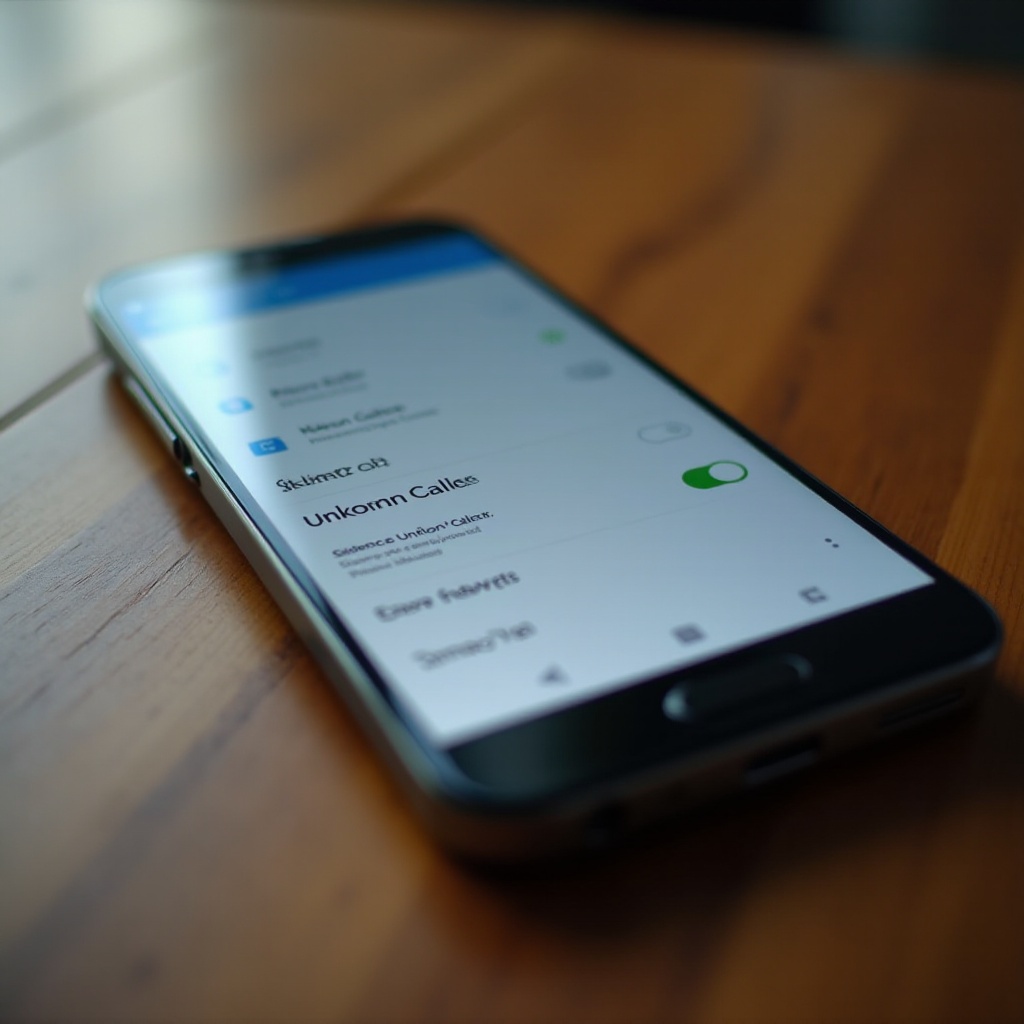
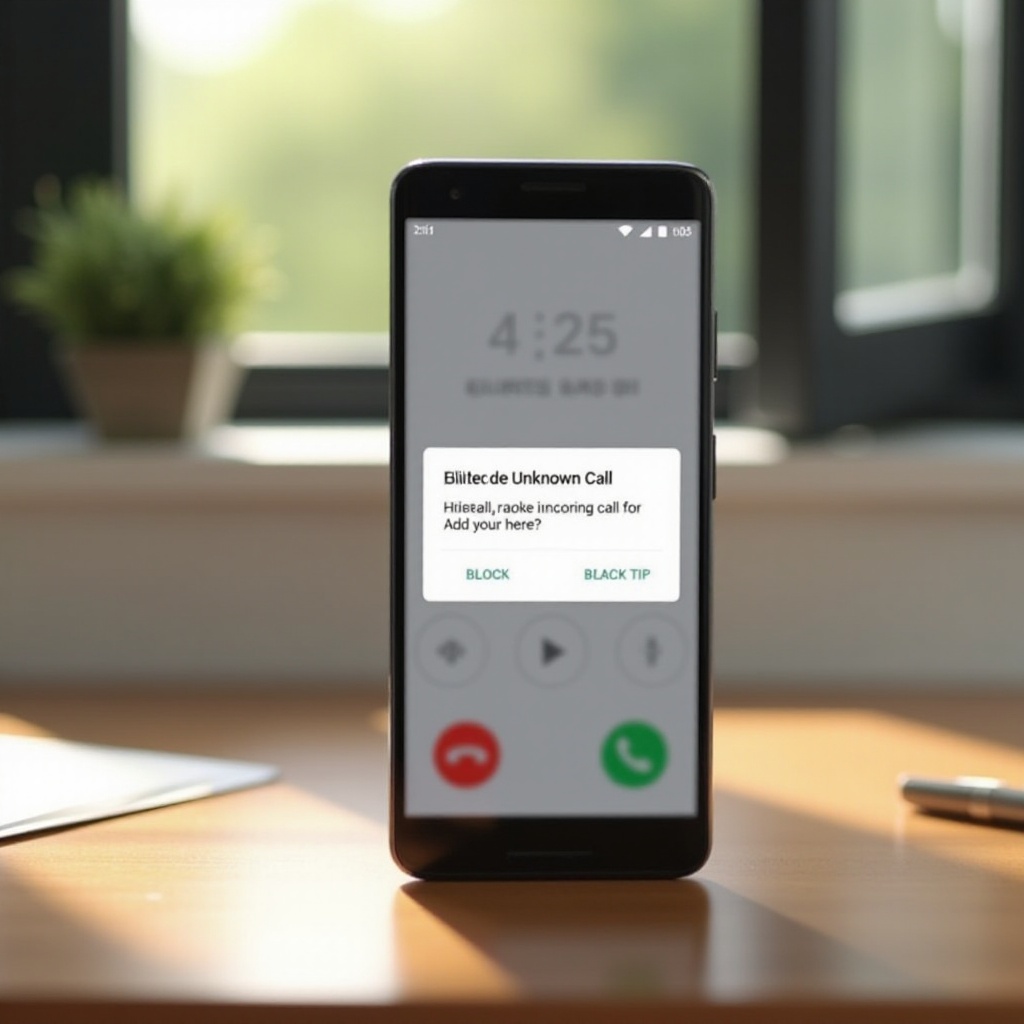
- Block Unknown Callers: Activate the option to block unknown or unidentified calls. Different devices may have variations like ‘Block calls from unidentified callers’ found in settings.
If you need detailed instructions for different Android brands, see below for more personalized steps based on your device model.
Differences Among Android Brands
- Samsung Devices: On Samsung phones, open the phone app settings, head to ‘Block numbers’, and enable ‘Block unknown callers’.
- Google Pixel and Others: On a Pixel, access the Phone app settings by selecting the three-dot menu, then navigate through Settings > Blocking numbers and turn on blocking for non-contacts.
These steps should help diminish unknown call interruptions effectively. Next, we discuss enhancing call management using third-party applications.
Using Third-Party Apps for Enhanced Call Control
While Android’s native features usually suffice, there may be cases where additional solutions are required, which third-party apps readily provide.
- Popular Apps: Apps like Truecaller and Hiya are renowned for their ability to not only block but also identify unknown calls using expansive data resources.
- Installation and Setup:
- First, download your chosen app from the Google Play Store.
- Begin setup by granting necessary permissions and optionally importing contacts.
- Adjust settings to determine the handling of unknown or spam calls.
Although third-party solutions provide increased features, it’s crucial to weigh their privacy implications. Leveraging Android’s Do Not Disturb mode is another strategy for managing unknown calls effectively.
Leveraging Do Not Disturb Mode for Unknown Callers
The Do Not Disturb (DND) mode in Android adds another level to call management by offering more flexibility and control.
- Customizing Do Not Disturb: Navigate to the DND settings through your device’s sound or notification menu. Fine-tune the parameters to specify call rules.
- Allowing Exceptions: Set up DND to enable calls solely from starred or important contacts, ensuring you never miss crucial communications.
- Automation and Scheduling: Use automated scheduler features to align the DND mode with your daily activities, activating during specific hours or events.
Thorough configuration of DND enhances your ability to filter out unwanted distractions. Next, we go beyond standard settings, offering additional tips to optimize unknown call management.
Additional Tips for Managing Unknown Calls
Beyond the integrated and third-party options, there are other practical tips to consider for further refining call management strategies on your Android device.
- Choosing Between Blocking and Silencing: Consider whether it’s better to block or simply silence unwanted calls, depending on your preference for maintaining open communication channels.
- Scam Call Identification: Utilize carriers’ or third-party services to flag potential scam calls, adding another layer of protection.
- Update Call Management Periodically: Regularly review and adjust your call settings and apps to maintain high levels of functionality and protection.
By incorporating these additional strategies, you enhance your Android phone’s security and usability, maintaining control over incoming communications.
Conclusion
Effectively managing unknown calls on Android involves combining various features and methods to enhance privacy and streamline phone usage. Through purposeful use of built-in call settings, complimentary apps, and the strategic application of Do Not Disturb mode, you minimize disruptions from undesired calls. Stay abreast of Android developments and continue refining your approach to ensure seamless communication while preserving your peace of mind.
Frequently Asked Questions
How can I ensure emergency contacts still reach me when I block unknown calls?
Configure call blocking to whitelist emergency contacts or use Do Not Disturb to allow calls from starred contacts.
Are there any Android settings that automatically detect and block spam calls?
Yes, many Android phones have built-in spam protection features activatable in call settings, detecting potential spams.
Is it possible to see unknown numbers’ details if they’re silenced?
Apps like Truecaller can provide details on unknown numbers even when silenced, and logs retain all call records.