Introduction
Ink spots on a phone screen can be quite troubling, affecting both usability and aesthetic appeal. These unsightly blemishes can start small, often unnoticed, but if left unresolved, they might expand, hurting your device’s functionality. This guide serves to equip you with the knowledge needed to identify, fix, and prevent ink spots, ensuring your phone remains in top shape.
Identifying Ink Spots on Your Screen
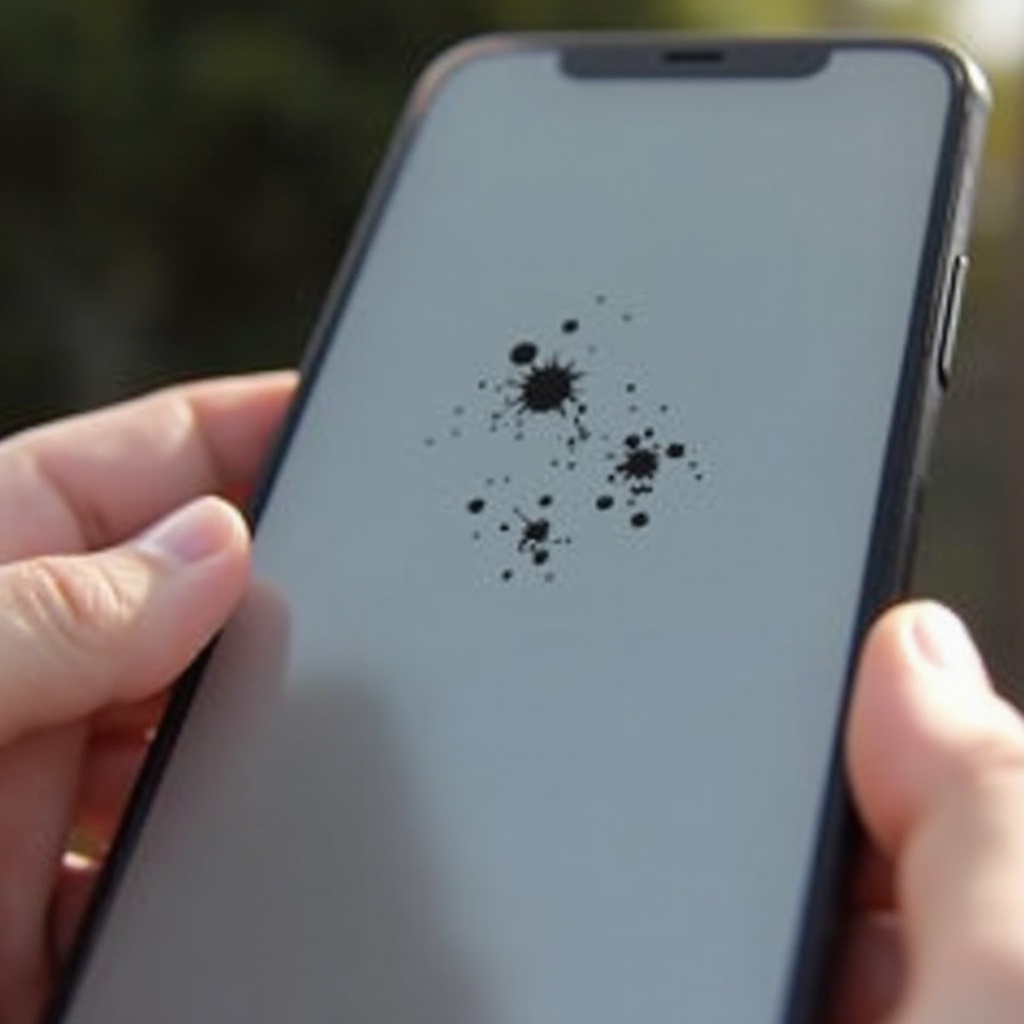
Early detection is key when dealing with ink spots on your phone screen. These spots usually manifest as dark, blob-like stains that differ significantly from other screen issues like dead pixels or minor scratches. Unlike dead pixels, which are tiny and static, ink spots can spread, impacting larger areas of your screen. To accurately identify ink spots, consider the following:
- Color: Ink spots usually appear as darker areas on the screen, often resembling ink blots.
- Size and Shape: They are initially small but can grow and change shape over time.
- Effect on Touch Sensitivity: Ink spots may impact your screen’s touch responsiveness.
Knowing these signs can help you act quickly, preventing further damage.
Causes of Ink Spots
Once you’ve identified ink spots, understanding their causes can help you decide the best steps for fixing them. The primary causes include:
- Physical Damage: Dropping your phone or applying excessive pressure can cause the liquid crystals in the display to leak or deform, leading to ink-like spots.
- Manufacturing Defects: Sometimes, imperfections during production can result in weak spots that manifest as ink blots.
- Pressure from Internal Components: Occasionally, pressure from within the phone, such as from misaligned components, can stress the screen, causing ink spots.
Understanding these causes is crucial in deciding how to proceed with a fix.
How to Fix Ink Spots
With the causes in mind, addressing the ink spots can range from easy DIY solutions to more complex professional interventions.
Temporary DIY Fixes:
- Pressure Application: Try gently pressing on the screen around the ink spot to redistribute the liquid crystals. Use a soft cloth to avoid additional damage.
- Screen Tapping: Lightly tap the screen with a soft object like an eraser. This can sometimes correct minor issues.
Professional Repairs:
If DIY solutions prove insufficient, professional repair is advisable. This typically involves:
- Screen Replacement: For severe cases, replacing the entire screen might be necessary to fully resolve the issue.
- Consultation with a Technician: A professional can more precisely diagnose and repair damages your phone might have sustained.
Prompt resolution of ink spots can prevent larger issues from developing.
Preventing Future Ink Spots
Preventing ink spots involves careful phone handling and utilizing accessories designed to protect your device. Consider the following:
- Use durable phone cases to cushion impacts and absorb shocks.
- Avoid applying strong pressure on the screen, particularly when using the phone on uneven surfaces.
- Maintain optimal environmental conditions to prevent stress on internal components.
- Apply screen protectors to help distribute potential impact forces more evenly.
By proactively caring for your device, you can significantly reduce the risk of developing ink spots.

Choosing Between Repair and Replacement
Deciding whether to repair or replace your phone depends on several factors:
- Cost: Assess the cost of repairing versus replacing your screen. Sometimes, investing in a new device may be the better long-term solution.
- Extent of Damage: Minor spots might be dealt with through repairs, but severe damage often necessitates screen replacement.
- Age of Device: Older phones might not justify the cost of extensive repairs in comparison to purchasing a newer model.
Making the right choice involves balancing cost against the need for a fully functional device.
Conclusion
Ink spots on phone screens are a common nuisance, but with the right knowledge, they can be effectively managed. By understanding the causes, symptoms, and suitable solutions, you can maintain your phone’s performance and extend its lifespan. Regular preventive care and informed decision-making regarding repair options can further enhance your device’s durability.
Frequently Asked Questions
What causes ink spots on phone screens?
Ink spots usually result from physical damage, such as drops or pressure on the screen, internal component pressure, or manufacturing defects.
Can ink spots on a phone screen be fixed at home?
DIY methods, like applying gentle pressure, may fix minor spots. However, significant issues should be addressed by a professional.
When should I seek professional help for ink spots?
If DIY efforts fail or the ink spot spreads significantly, affecting functionality, seek professional repair to prevent further damage.