Introduction
Televisions, as indispensable entertainment hubs, require optimal screen quality for a satisfying viewing experience. Yet, glitches such as flickering, distortion, or dead pixels can mar this experience, causing frustration. By identifying these issues and knowing the right solutions, you can restore the clarity and vibrancy of your TV screen.
Understanding TV Screen Glitches
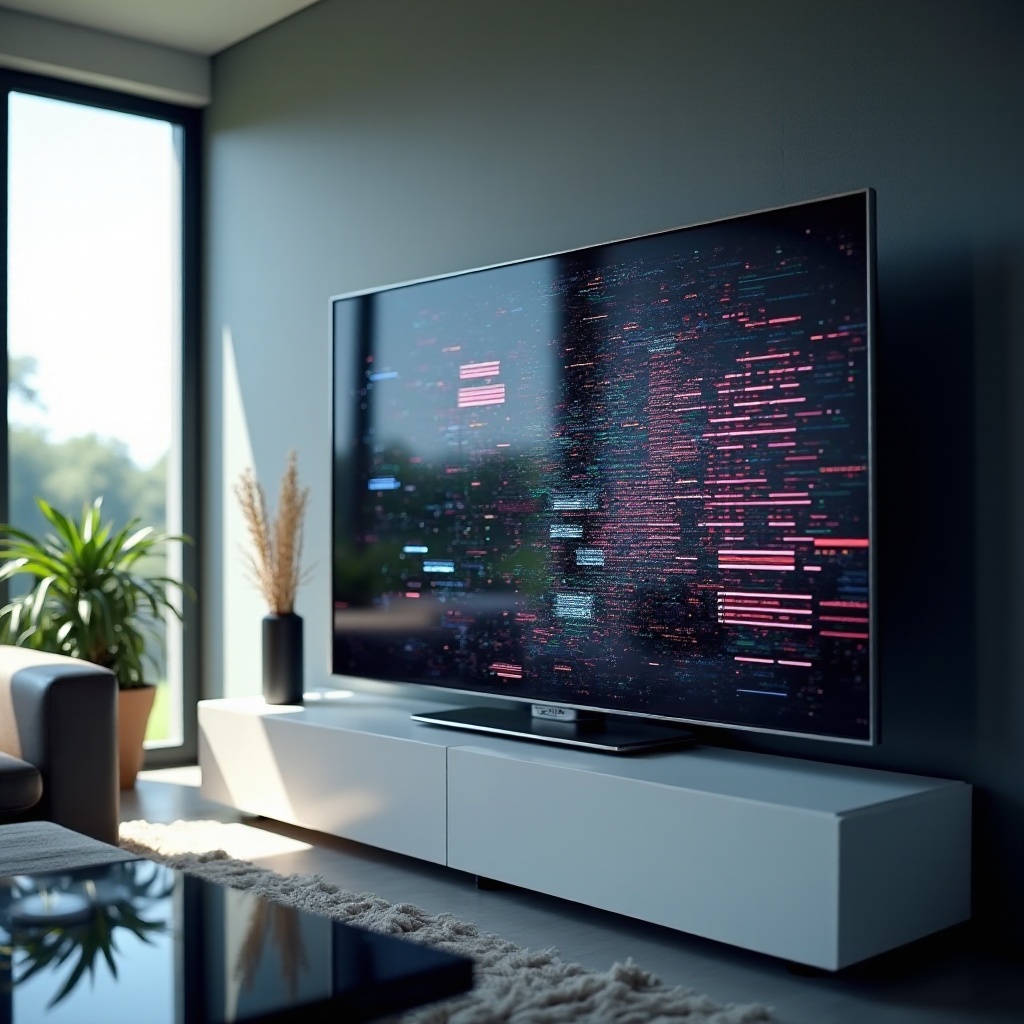
Screen glitches present themselves in several ways, affecting your TV’s display. These include flickering, where the image intermittently fluctuates in brightness, and distortion, where visuals appear warped or unclear. Dead pixels, which show up as non-functional dots on the screen, are another common issue.
The causes of these glitches range from software bugs, signal interference, or hardware problems. With newer models in 2024, technology has advanced to reduce these issues, but they can still arise due to manufacturing defects or normal wear. Knowing the exact type of glitch is crucial in finding an effective solution.
Diagnosing the Problem
After noticing a screen glitch, start with a simple assessment. Look for patterns in glitch occurrences — do they happen on certain channels or with specific devices? This can pinpoint whether the issue is related to external sources or internal components.
Use digital diagnostic tools and apps to conduct more thorough tests. These can highlight anomalies in display quality or alert you to required software updates. Consistent use of these tools ensures your TV remains in top working condition, allowing you to address minor issues before they worsen.
DIY Fixes for TV Screen Glitches
Many TV screen issues can be resolved through straightforward DIY fixes:
- Software Updates and Resets: Ensure your TV’s software is up-to-date. Manufacturers release updates to address specific glitches. Performing a factory reset can also help clear recurring issues.
- Connection and Cable Checks: Verify that all cables are securely connected and are the right type for your setup. Replace any damaged cables and fix loose connections, as these can lead to signal disruptions.
- Regular Cleaning: Dust can degrade picture quality and the TV’s functionality. Clean the screen frequently with a microfiber cloth, using gentle, circular motions to avoid scratches.
Professional Solutions and When to Seek Help
Not all problems can be fixed with DIY methods. If your attempts don’t resolve the issue or if the screen shows physical damage, it’s time to call a professional technician. They can perform in-depth diagnostics and repairs beyond basic troubleshooting.
Consider the costs and benefits before opting for professional repair, especially in light of current TV prices. Check your warranty—many still cover certain kinds of systemic glitches, reducing potential expenses.
Preventing Future Screen Glitches
Preventative measures are vital for extending the life of your television and ensuring a glitch-free experience. Here’s how you can prevent future issues:
- Place your TV on a stable, vibration-free surface.
- Use surge protectors to guard against power fluctuations.
- Schedule regular service checks, particularly if your TV endures heavy use.
When purchasing a new TV, choose models known for reliability. Features like advanced signal processing and high-resolution displays are beneficial, but verify they come with a reputation for trouble-free operation.
Conclusion
Addressing TV screen glitches efficiently not only enhances viewing pleasure but also extends your TV’s lifespan. With a mix of DIY solutions and professional help, you can tackle issues promptly while preventing future glitches. Prioritize maintenance and invest in reliable technology to ensure clear, enjoyable visual experiences.
Frequently Asked Questions
What are the first steps to take when I notice a screen glitch?
Check all TV connections and cables first. Ensure they are secure and functional, then update the TV’s software before considering a factory reset.
Are screen glitches covered under typical TV warranties?
Most warranties cover glitches from defects but exclude user-caused damage. Check your warranty terms for specifics.
How can future technology developments help reduce screen glitches?
Upcoming TV models will likely feature enhanced diagnostics and self-correcting tech, reducing glitch occurrences.