Introduction
Removing the base from a Samsung TV is often necessary during upgrades or redecorating. Whether you’re mounting the TV on the wall or replacing the stand, it’s vital to know how to do this without causing damage. This comprehensive guide will take you through the process safely, providing step-by-step instructions, the necessary tools, and facing potential issues.
Tools and Safety Precautions
Before attempting to remove the base, gather all essential tools to ensure a smooth and safe process. Preparation is key.
Tools Needed:
- Phillips-head screwdriver.
- A soft blanket or cushion to lay your TV on, protecting the screen.
- A container for screws and small components to prevent loss.
Safety Precautions:
- Unplug the TV to prevent electrical shocks.
- Have a friend assist to stabilize the TV.
- Handle the TV by its edges to avoid screen pressure.
Once prepared with tools and mindful of safety, you’re ready to proceed with base removal.
Step-by-Step Guide to Removing the Base
To ensure a successful removal, follow these steps carefully:
- Preparing Your Workspace:
- Lay a soft blanket on a flat surface.
-
With a helper, place the TV face down on the blanket.
-
Locating and Removing Screws:
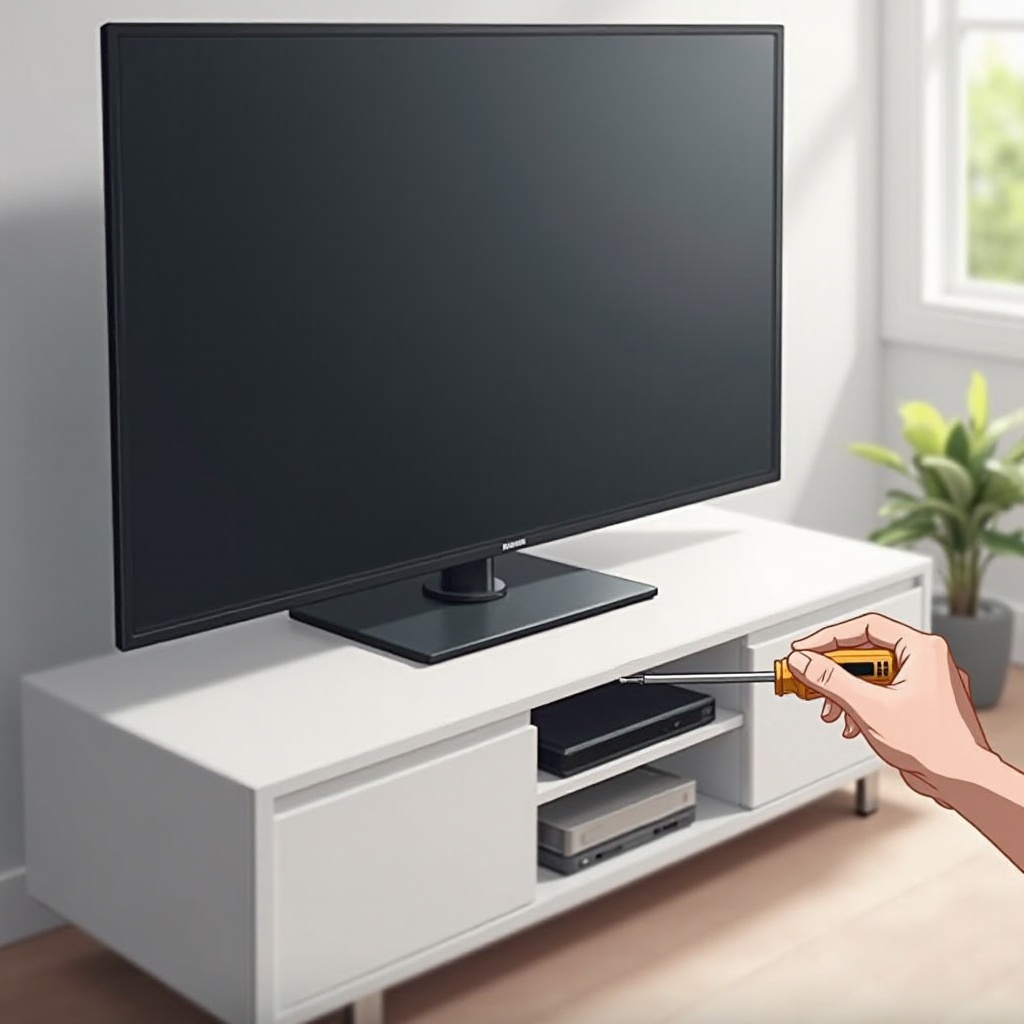
- Identify the screws securing the base at the TV’s center bottom.
-
Use the screwdriver to remove screws, placing them in the container.
-
Detaching the Base Safely:
- Steadily lift the base away while holding the TV steady to prevent accidents.
Carefully following these steps will help you remove the base without compromising your TV’s condition.
Troubleshooting Common Issues
During the removal process, you might face some challenges. Here’s how to handle them effectively:
- Stripped or Stuck Screws:
- Apply gentle pressure while turning.
-
Use a rubber band for added grip if screws are stripped.
-
Stubborn Bases:
- Ensure all screws are removed and gently wiggle the base.
- Apply slight pressure for difficult bases.
By anticipating these issues, you can resolve them efficiently and proceed to either reinstall or mount your TV.
Tips for Reinstallation or Wall Mounting
After the base removal, decide whether to reinstall or choose wall mounting. Each option offers different benefits and requires specific preparation.
For Reinstallation:
- Align the base with the screw holes.
- Securely fasten using your screwdriver.
For Wall Mounting:
- Select a compatible wall mount considering your TV size.
- Follow the mount’s instructions carefully, ensuring a secure fit.
- Use cable management solutions for a clean look.
These processes enhance the functionality and aesthetics of your TV, integrating smoothly into your environment.
Conclusion
With this detailed guide, removing the base from your Samsung TV becomes a safe and straightforward task. Following these instructions minimizes risks, and you are now equipped with the knowledge to handle common problems. Remember, safety is paramount in protecting your TV and ensuring a smooth transition to its next placement.
Frequently Asked Questions
How can I avoid damaging my TV when removing the base?
Work with a friend, use a soft surface for the screen, and handle the TV by its edges.
Are the tools required for removal included with the TV?
Typically, necessary tools such as a screwdriver are not included with the TV.
What should I do if I can’t remove the screws?
Use a rubber band for better grip or consult a professional for assistance if screws are stuck.