Introduction
Experiencing issues with a faulty phone can be frustrating, especially when the problem affects SIM card functionality. Connectivity glitches, service interruptions, and dropped calls are just some of the nuisances you might encounter. Proper SIM card handling is pivotal to ensuring your device remains operational, even when it’s not in the best condition. This guide will give you valuable insights into the workings of SIM cards, show proper installation techniques, and offer solutions to common problems, helping you keep your connection steady.
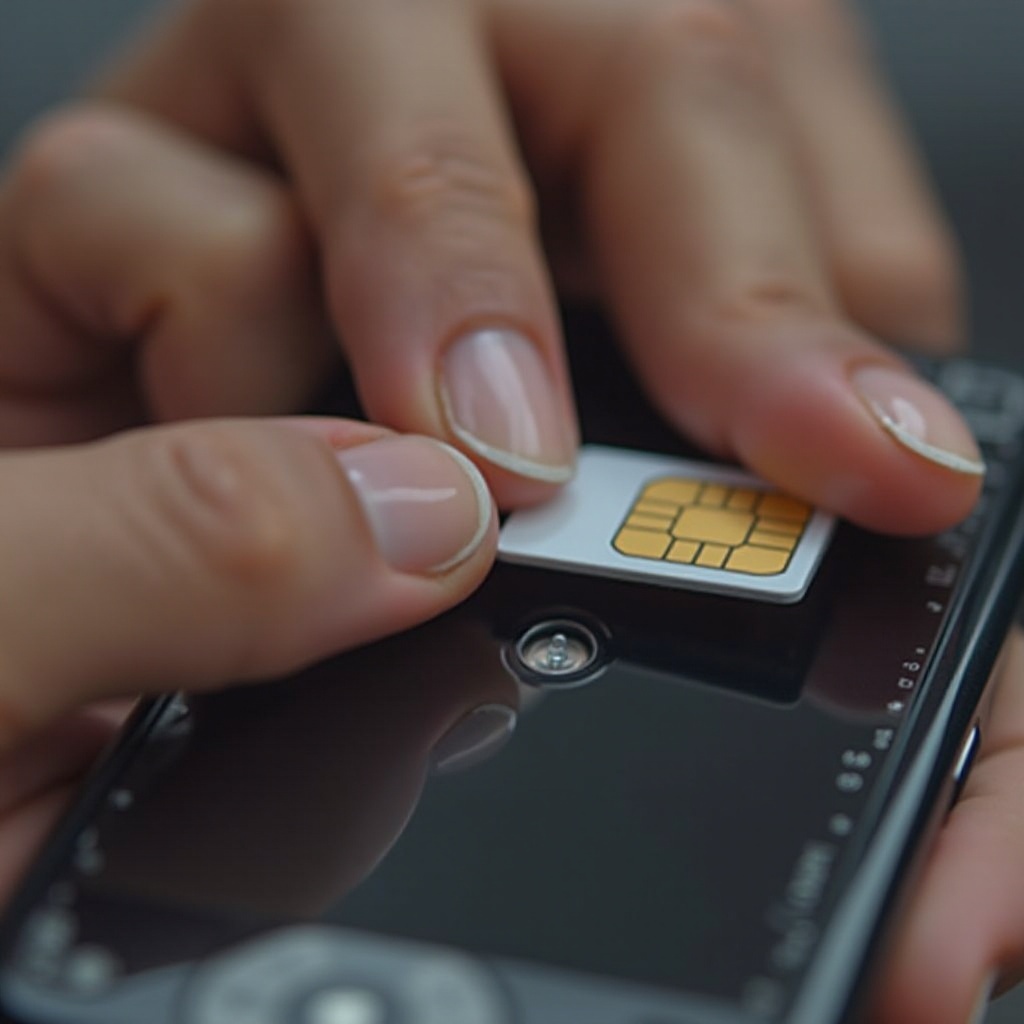
Understanding SIM Cards and Their Role
The SIM card, a small but crucial component of mobile devices, facilitates communication by connecting your phone to the network.
What is a SIM Card?
A SIM (Subscriber Identity Module) card is a small chip that includes your unique identification number and network details, allowing you access to your carrier’s mobile network. It houses vital information like your phone number and ensures that your identity is verified for network use.
Importance of SIM Cards in Mobile Connectivity
SIM cards are integral to enabling phone calls, sending messages, and accessing mobile data. Without a SIM card, your smartphone can’t perform these essential communication functions.
Common Issues with Faulty Phones Impacting SIM Card Use
SIM card problems can arise from various issues within a malfunctioning phone, disrupting your connection.
Symptoms of SIM Card Problems
- Persistent loss of signal or poor reception
- Messages like ‘No SIM’ or ‘SIM card not detected
- Failure to connect to the mobile network
- The device unexpectedly restarts
How Phone Malfunctions Affect SIM Cards
Malfunctioning phones may suffer from software bugs, damage to the SIM card reader, or incomplete connections, all of which can interfere with SIM functionality and network communication.
Step-by-Step Guide to Inserting a SIM Card in a Problematic Phone
Installing your SIM card correctly can minimize issues, even in an ailing phone.
- Gather Necessary Tools: You’ll need a SIM ejector tool or a paperclip to access the SIM tray.
- Power Down Your Phone: Always turn off your device before removing or inserting the SIM card to prevent data loss or static discharge.
- Locate the SIM Tray: Depending on your phone, the SIM tray could be located on the side, top, or under the battery at the back.
- Eject the SIM Tray: Use the SIM ejector tool to gently push into the small pinhole next to the tray, prompting it to pop out.
- Insert the SIM Card: Place the SIM card accurately into the tray, matching the shape and orientation indicated.
- Reinstate the SIM Tray: Carefully slide the tray back into its slot until it clicks securely into place.
- Power Up and Verify: Turn on your phone again to check for a network signal and confirm successful SIM configuration.
Troubleshooting SIM Card Issues in Bad Phones
If a correctly inserted SIM card still shows problems, some troubleshooting steps can help.
SIM Card Not Detected: Causes and Solutions
- Inspect for Physical Damage: Check your SIM card for scratches or other signs of wear.
- Ensure Proper Tray Alignment: Ensure the SIM card sits properly in the tray and maintains contact with the reader.
- Adjust Network Settings: Make sure you’re utilizing the correct network settings. You may need to manually configure your network’s Access Point Name (APN) settings to confirm connectivity.
Ensuring Software Updates and System Restarts
- Update Firmware: Keep your phone’s firmware version up-to-date, as updates often include fixes for network-related issues.
- Restart Your Device: Rebooting can resolve temporary glitches or errors affecting SIM card detection.
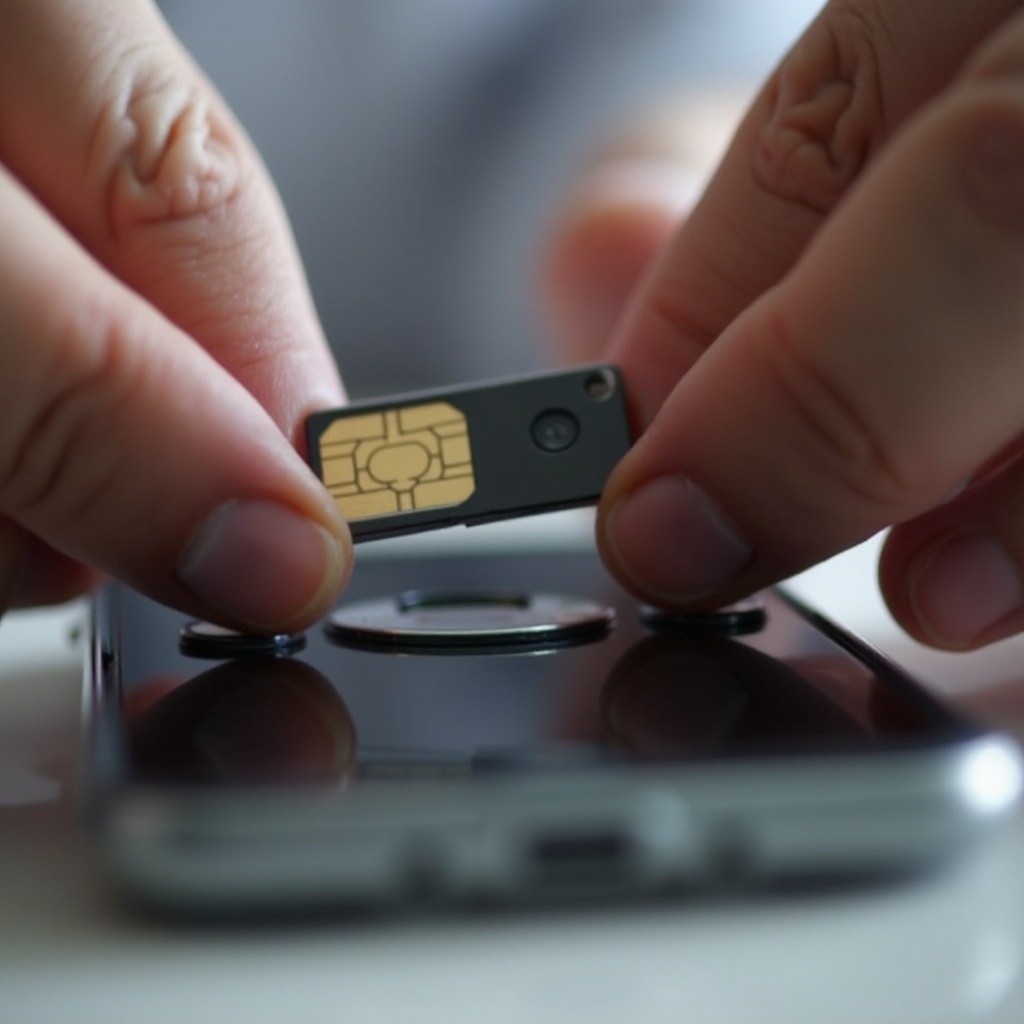
When to Seek Professional Help for Persistent Issues
If troubleshooting doesn’t resolve SIM card problems, professional intervention might be required.
Identifying the Need for Expert Assistance
Should the basic troubleshooting steps yield no solution, repair might be necessary. Seek professional help when issues persist.
Choosing a Reliable Service Provider
Opt for a reputable repair service with positive reviews, certified experts, and transparent pricing. It’s beneficial if they provide warranties on repairs.

Conclusion
Resolving SIM card issues in faulty phones is a matter of detailed attention and methodical troubleshooting. By understanding SIM card roles, recognizing common issues, and applying clear insertion techniques, you can often resolve connectivity problems. Always keep your device updated, and seek professional help when essential to ensure consistent mobile services.
Frequently Asked Questions
Can a faulty phone permanently damage a SIM card?
SIM cards typically aren’t damaged by faulty phones unless there’s physical stress or electrical faults. To confirm, try the SIM card in another device.
How can I test if the issue is with the SIM card or phone?
Insert the SIM card into another functional phone. If it works there without issues, it’s likely your phone is the problem, not the SIM card.
What should I do if my phone is not reading any SIM card?
Follow troubleshooting steps: check the SIM and tray, restart the phone, update your software. If persistent, professional evaluation might be needed.