Introduction
iPhones have become an integral part of modern life, prompting curiosity about their inner workings. One question that often arises is whether an iPhone has a hard drive. Understanding the storage technology behind these devices is crucial for anyone looking to purchase, upgrade, or maintain their digital powerhouse. This guide breaks down the iPhone’s storage system and clarifies why it differs from traditional hard drives.

Understanding Traditional Hard Drives
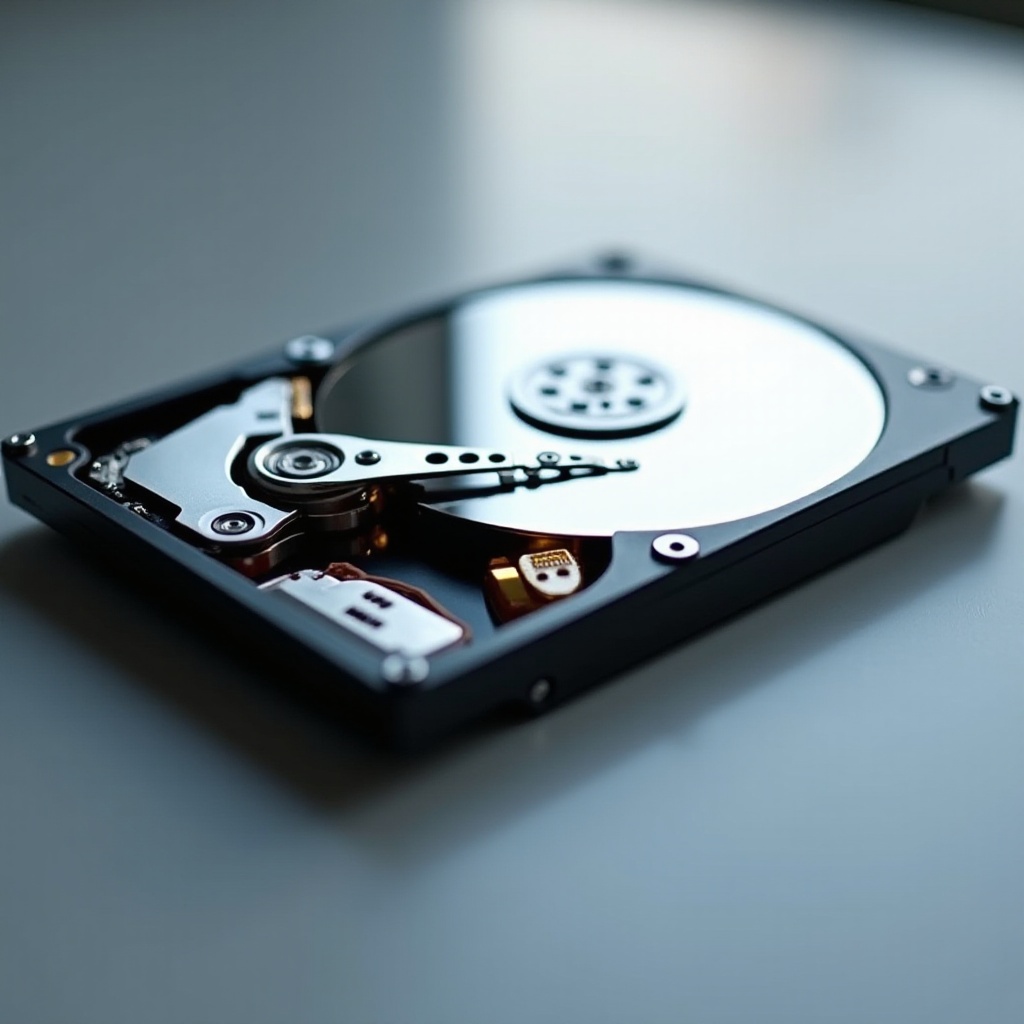
Traditional hard drives have long been used in computers and other larger devices. They rely on spinning disks to store and read data, which, while effective, come with several drawbacks, especially in portable technology. The moving parts can be easily damaged, making them less ideal for a handheld device like an iPhone. The physical size and power requirements of hard drives also present challenges for compact smartphones.
These limitations paved the way for more advanced storage solutions, prompting Apple to innovate and adopt new technology for iPhones.
The Shift to Flash Storage in iPhones
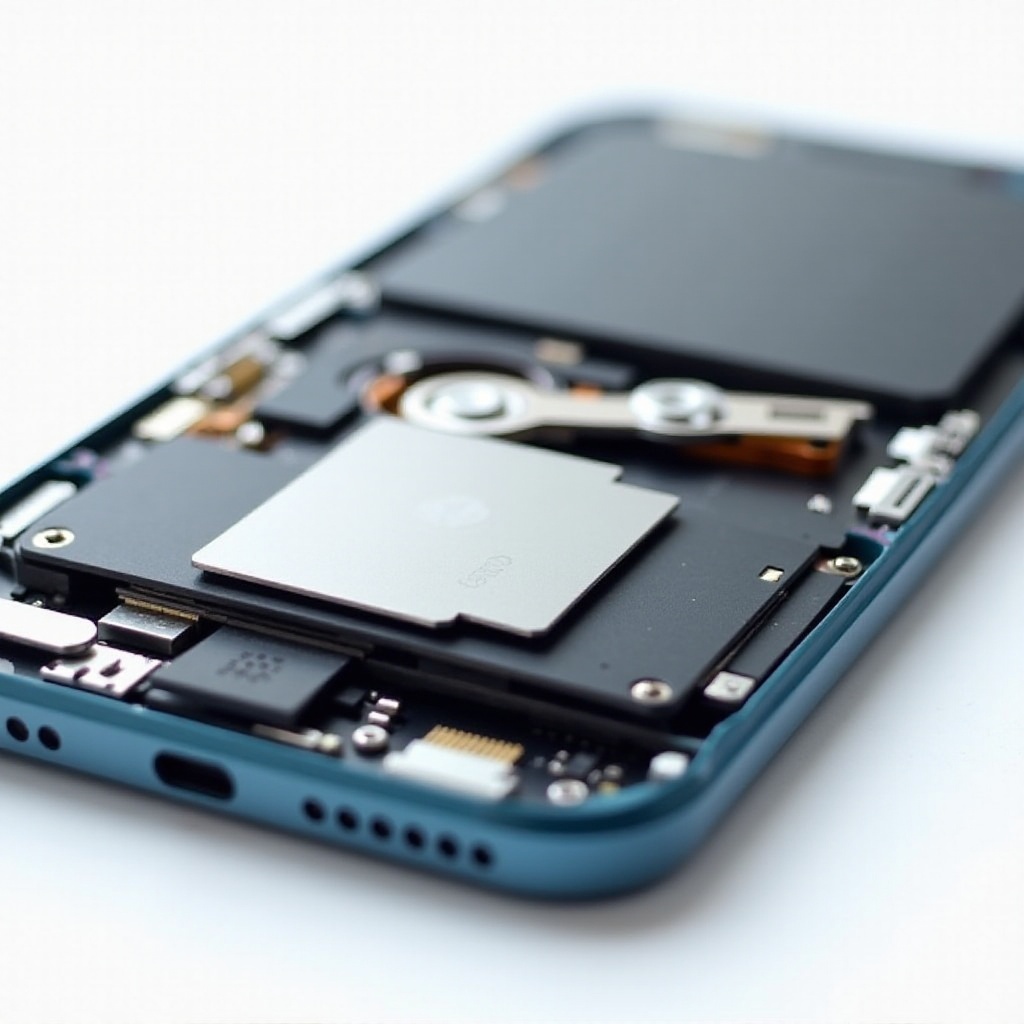
Apple’s adoption of flash storage marked a significant transformation in mobile device technology. Unlike hard drives, flash storage contains no moving parts, using memory chips to store data instead. This fundamental difference makes flash storage robust and efficient. It improves everything from speed to energy consumption, which are critical features for the seamless operation of iPhones. The shift to flash storage, therefore, represented a leap forward in functionality and user experience.
This strategic choice by Apple speaks to the overarching goal of improving user satisfaction and device performance.
Why iPhones Use Flash Storage Instead of Hard Drives
The benefits of flash storage are central to Apple’s decision to utilize it in iPhones. Here’s why it’s preferred:
-
Advantages of Flash Storage: Flash memory enables much quicker device operation, when compared to hard drives. This includes boot times and application load speeds, contributing to the smooth, responsive feel users expect from an iPhone.
-
Durability and Reliability: Without the mechanical components that characterize hard drives, flash storage minimizes the risk of damage from drops or bumps. This reliability is critical for mobile devices, which experience frequent movement.
-
Impact on Performance and Battery Life: Flash storage is more power-efficient, which is a boon for iPhone users who need their devices to last throughout the day. This efficiency in turn enhances the overall performance.
With these benefits, it becomes evident why iPhones have embraced flash storage over traditional hard drives.
The Evolution of iPhone Storage Solutions
Apple has consistently improved its storage technology with every new iPhone release, reflecting the company’s commitment to innovation:
-
Key Milestones from 2024 Onwards: Each year, Apple introduces enhancements to its storage capabilities, whether by advancing its flash storage technology or by increasing available storage options. Such developments ensure that each iPhone model offers top-tier performance.
-
Technological Innovations in Recent Models: Innovation remains at the heart of Apple’s strategy, leading to faster read/write speeds and more efficient data management. These improvements underscore Apple’s mission to offer the best user experience possible.
This progressive approach ensures that iPhone users always have access to state-of-the-art storage technology, enhancing their interactions with the device.
How Flash Storage Enhances User Experience
The technology behind flash storage isn’t just about speed; it also plays a pivotal role in improving user experience:
-
Speed and Efficiency: Flash storage allows iPhones to run apps and processes smoothly and quickly. This immediate responsiveness enhances every interaction, from taking photos to browsing the web.
-
Data Security Benefits: Flash storage supports robust security measures. Apple’s encryption features protect sensitive data, providing peace of mind for all users.
The result is a device that is not only fast and efficient but also one that users can trust with their most important information.
Choosing the Right iPhone Storage Capacity
Selecting the appropriate storage capacity is key to getting the most from your iPhone:
-
Assessing Personal Needs: To determine how much storage you need, consider your usage habits. Do you store lots of photos, download numerous apps, or enjoy gaming? Each activity impacts how much storage you’ll require.
-
Comparing Different Storage Options: Apple’s range of storage options caters to various needs. While a 128GB model may suffice for some, others might benefit from 256GB or more, especially if they use their phone for heavy media consumption.
Choosing the right storage capacity ensures you can make the most of your iPhone without worrying about running out of space.
Conclusion
In conclusion, iPhones do not have traditional hard drives because they rely on flash storage technology. This choice enhances device performance, durability, and longevity, making iPhones a reliable choice for users worldwide. As Apple continues to innovate its storage solutions, understanding these options helps users make informed decisions, ensuring they get the most out of their devices.
Frequently Asked Questions
Can I upgrade my iPhone storage?
iPhone storage is not upgradable after purchase. Choose a model with the capacity that meets your future needs.
How much storage do I need for an average user’s needs?
128GB generally suffices for average users who engage in standard photo-taking, app usage, and media consumption.
What should I do if I run out of storage on my iPhone?
Consider using cloud services like iCloud or Google Drive for storing photos and files to free up local storage space.